
Translated from the Japanese original on mureo.jp.
Update (2026-09-17): Google retired the Google Ads API developer token on 2026-09-09; the comparison below refers to Google’s application gate as it was at the time of writing. Google Ads API access is now requested for a Google Cloud project in the Cloud Console.
Amazon Ads can also be driven by giving Claude Code instructions in plain language. But if you connect to it expecting Google Ads or Meta Ads, you will get caught somewhere along the way. Amazon’s ads are tied to products and to stock, and both of those sit outside the API. This article looks at how driving Amazon Ads from Claude Code fits together, and where you are likely to get stuck.
The overall picture is in Can you automate ad ops with Claude Code?. The search side is covered in Driving Google Ads from Claude Code and Driving Yahoo! JAPAN Ads from Claude Code, and the social side in Driving Meta Ads from Claude Code.
Connecting to Amazon Ads through MCP
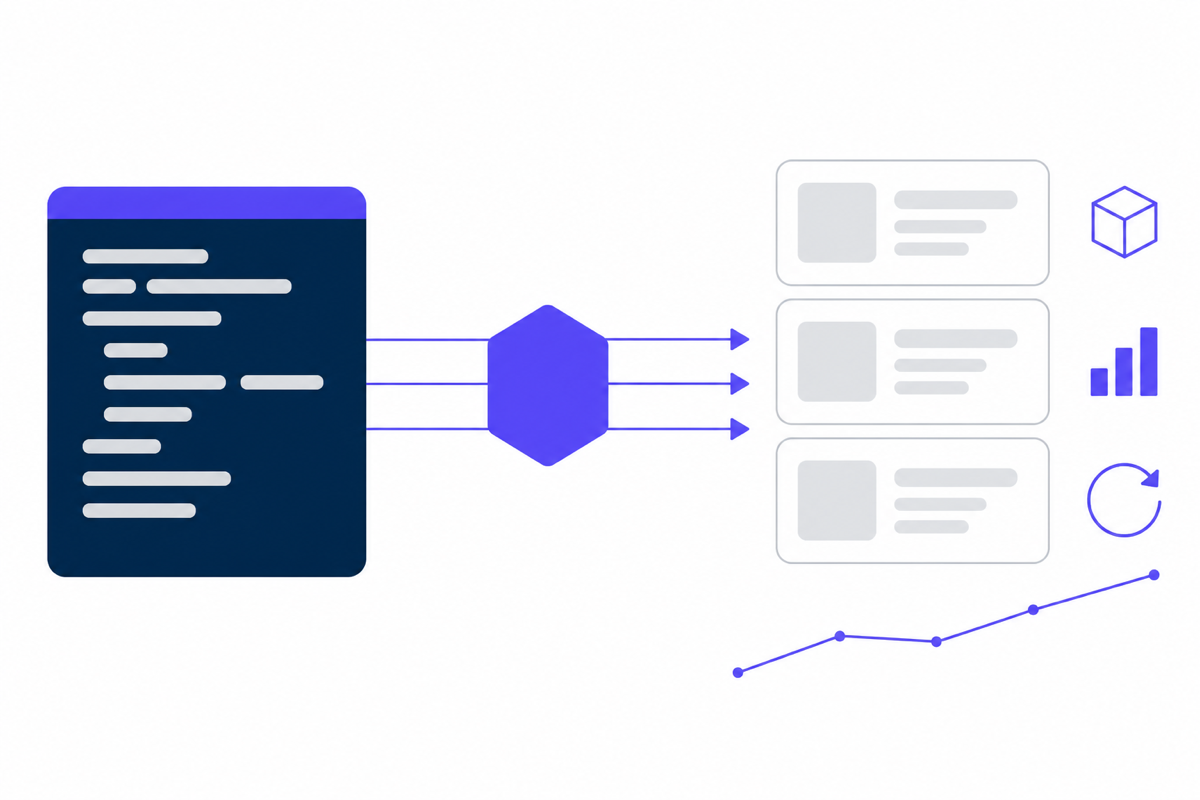
Claude Code does not hold Amazon Ads data on its own. You put MCP (Model Context Protocol) in between, and it talks to the Amazon Ads API. So far this is the same shape as the other platforms.
Amazon Ads differs in one respect. Amazon publishes an official MCP server itself, so there is no need to go hunting for an unofficial implementation. Tooling on our side bridges that official server rather than reimplementing the API. Our own product, mureo, works this way for Amazon Ads: it bridges the official MCP instead of calling the API directly. With less work to keep up with spec changes, the connection tends to be steadier than it is on other platforms.
Hurdles before you are connected
Login with Amazon credentials
To use the Amazon Ads API you have to register as a developer and obtain a client ID, a client secret, and a refresh token. This is the counterpart to Google Ads’ developer token, and the application is the first gate.
Getting the profile ID first
The Amazon Ads API addresses targets by profile ID, not by account ID. A profile represents “which advertiser, in which country’s marketplace”, so selling in both Japan and the United States means two separate profiles. The first thing to do after connecting is to list the available profiles and identify the one you want. Skip this and every subsequent request fails.
Endpoints split by region
North America, Europe and the Far East have different endpoints. Japanese accounts are on the Far East endpoint. Get this wrong and authentication still succeeds while the data comes back empty, which is a hard failure to diagnose.
The biggest difference from Google Ads
With Amazon Ads, most of the reasons delivery stops lie outside the ad itself.
On Google Ads, an ad stops because the budget ran out, because it was disapproved, or because the bid is not competitive. Every cause is inside the ad account. On Amazon, stock joins that list. If a product goes out of stock the ads stop showing, and if another seller takes the Buy Box they stop showing too. In neither case has anything about the ad’s settings changed.
How results appear is different as well. On Amazon the purchase completes inside Amazon, so there is no conversion measurement for you to set up. In exchange, the metric you mostly work with is ACOS (advertising cost of sales), the share of advertising-driven revenue that goes to ad spend. It is the inverse of what ROAS expresses on Google. An ACOS of 25 percent means a quarter of the revenue the ads drove is being spent on the ads.
What you can do with Amazon Ads once connected
Pulling and aggregating the numbers. Ad spend, revenue and ACOS by campaign, ad group, keyword and product, asked for in plain language. “List the products whose ACOS got worse last week, worst first” becomes a thing you can say.
Reviewing search terms. Sponsored Products has a search-term report, so you can check whether money is flowing to terms you did not intend, and add negative keywords in the same pass.
Adjusting bids and budgets. Keyword bids and campaign daily budgets can be changed.
Querying Amazon Marketing Cloud. For deeper analysis you can send SQL-like queries to AMC. This does not return immediately: you create a workflow, execute it, wait for it to finish, and then fetch the result.
Where people get stuck with Amazon Ads
You cannot tell from the API whether an ad is actually delivering
This is the awkward one. The state the Amazon Ads API returns for an ad is a single value — enabled, paused or archived — and that is the configured state. Google Ads and Meta Ads give you a separate field telling you that something is configured as live but is not in fact serving. Amazon has no such field. An ad that is not showing because the product is out of stock still reads as enabled. So whether it is really delivering has to be inferred from spend and impressions. If you are handing monitoring to an AI, this needs saying explicitly.
Requests are split by ad product
Sponsored Products, Sponsored Brands, Sponsored Display, Sponsored TV and Amazon DSP each have to be fetched separately. One request cannot span them. When you want a view across the whole account, plan for as many requests as there are ad products.
Reports come back asynchronously
A report is not returned the moment you ask for it. You request the generation, wait for it to be produced, and fetch it from a download URL — three steps, sometimes several minutes. Asking for “all of it, right now” and being made to wait is the specification, not slowness.
Misreading ACOS
A lower ACOS is more efficient, but lower is not simply better. An unusually low ACOS can mean the ads have been throttled so far that revenue is being left on the table. The ACOS you should target comes from the product’s margin. It is not a number to compare across products side by side.
Looking at stock and ads separately
When ACOS gets worse, the cause is sometimes not bids or keywords but a stockout that cost you sales. Watching only the advertising numbers, you will never arrive at that class of cause.
Summary
Driving Amazon Ads from Claude Code is, mechanically, the same MCP-mediated API work as anywhere else. Because Amazon ships an official MCP, the connection itself is comparatively stable.
What catches you comes after connecting. Pin down the profile ID and the region first. Accept that the API will not tell you whether an ad is delivering, and read spend and impressions instead. Expect reports to return asynchronously. And know that the reason a number moved is often stock, which sits outside advertising entirely. Understand those four and it becomes usable in practice.
How to scope what you delegate is set out in Is it safe to hand ad ops to Claude Code?.
When you get to deciding whether to keep Amazon Ads in-house, the comparison of fees against internal hours by level of spend is in Bringing ad ops in-house.
mureo, the product we build, runs several platforms including Amazon Ads day to day and shows on screen what was spent where and why each call was made. Changes that touch budgets or bids go through human approval, and operations can be rolled back.