
Translated from the Japanese original on mureo.jp.
You try to connect Claude Code to Google Ads, authentication goes through, and yet your queries come back with a permissions error. Or an account you could read yesterday suddenly cannot be read. What is often behind this is the Google Ads API access level.
Our guide Connect Google Ads to Claude Code spends only a few lines on these levels. Yet the session recordings (Microsoft Clarity) of its Japanese original on mureo.jp show three sessions, on October 2, October 15 and October 20, in which someone selected and copied those few lines, the paragraphs “Applying for API access” and “Access levels.” Between October 15 and 22 there were also eight sessions that kept the same article open and went on working for anywhere from 15 minutes to 1 hour 43 minutes. It looks as though quite a few readers stall at this level partway through connecting.
Here, following the official documentation as of October 2026, we set out where the access level is attached, what you can do and what comes back at each level, whether Explorer’s ceiling is enough, and what you do to move up to Basic.
Where the access level is attached
Previously, you had a developer token issued in the “API Center” of a Google Ads manager account (MCC), and the level was attached to that token. The developer token was retired on September 9, 2026, and the mechanism has changed so that the level is attached to a Google Cloud project.
Which project’s level is used depends on how you authenticate. With user authentication, it is the project in which you created the OAuth client ID. If you run with a service account, it is the project that service account belongs to. If the project where you enabled the API and the project where you created the OAuth client are different, the level you applied for is not reflected in your queries. This is where people with several projects tend to trip up.
You now apply on the Google Ads API overview page in the Cloud Console. The official documentation states that applications made from the manager account’s “API Center” are not processed, and you no longer need a manager account to get started. If you follow old instructions, or explanations written in the token era, this is where you get lost.
An MCP you run in your own environment, such as Google’s official MCP, also runs at that project’s level as long as it connects with your own OAuth client. Using the official MCP does not let you sidestep the level question. How the types of MCP differ is covered in Which ad MCP server should you use?
Four levels, which change the accounts you can reach and your daily operations
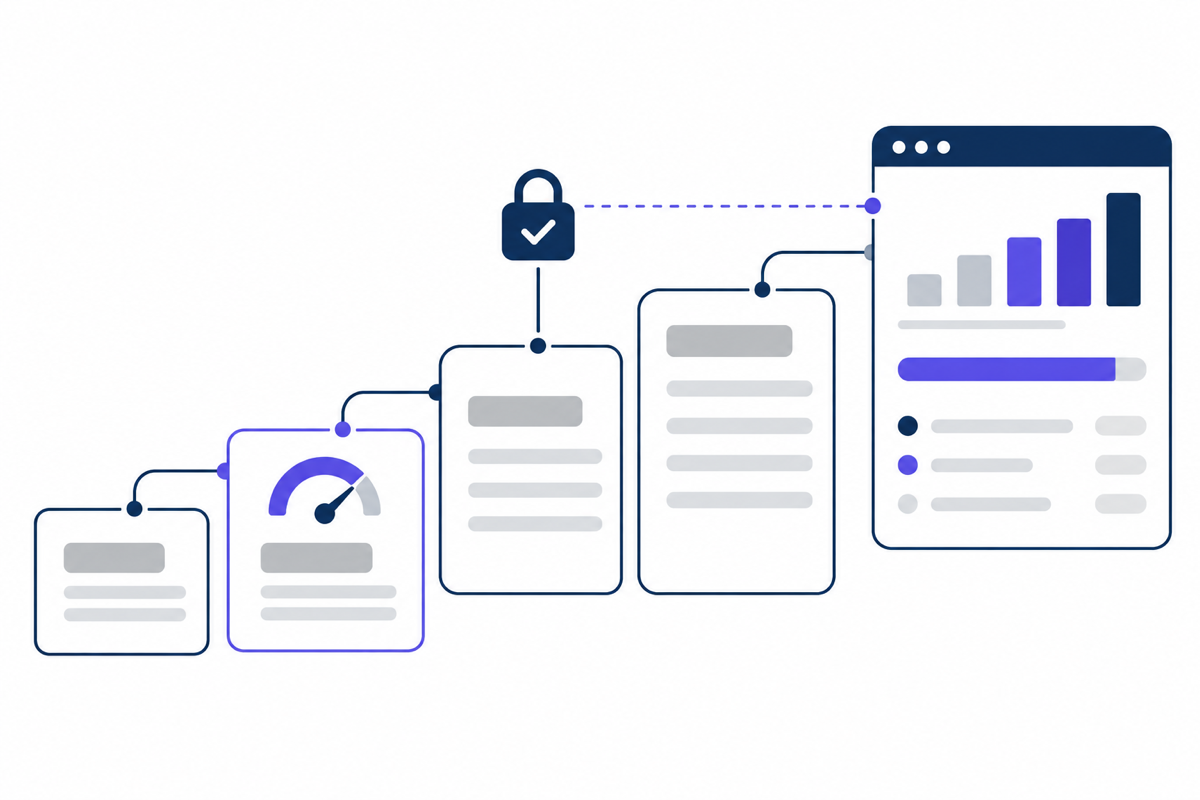
According to the official description of access levels, there are four levels.
| Level | Accounts you can reach | Operations per day | How you get it |
|---|---|---|---|
| Test | Test accounts only | 15,000 | Granted automatically when you enable the API |
| Explorer | Test and production | 2,880 for production, 15,000 for test | Apply. Review usually completes automatically |
| Basic | Test and production | 15,000 | Apply after Explorer. Requires brand verification |
| Standard | Test and production | Unlimited | Manual review. Around 10 business days |
The point to watch is that a project where you have only enabled the API is at Test. A Test project never reaches production accounts. Even if your authentication settings are right, every query that specifies a production account ID is rejected.
The daily ceiling is not reset by the calendar day; it is judged on the total over the previous 24 hours. If you wait thinking it will come back after midnight, you may be stuck for longer than you expect.
Besides the number of operations, there are features Explorer cannot use: account creation, user management, planning features such as Keyword Planner and Reach Planner, and billing and payment features. Using these requires Basic or above.
We ran into this ourselves. While our developer token was at the Explorer level, we could not retrieve keyword search volume through the API. Keyword Planner in the Google Ads UI works as usual, so we still read search volume in the UI when choosing article topics. It is an example of why, when you are connected but only specific features are refused, it is reasonable to suspect the level first.
What comes back when the level is the cause
When the level is what is stopping you, you can tell from the error that comes back.
- A query from a Test project to a production account: from API v25 onward,
CLOUD_PROJECT_NOT_APPROVED_FOR_PRODUCTIONcomes back; in earlier versions,ACTION_NOT_PERMITTED. The latter is also returned for other kinds of missing permissions, so on an older version it is harder to isolate. - The daily ceiling was exceeded:
RESOURCE_EXHAUSTEDcomes back. An error with the same name is also returned when a response exceeds the size limit (64MB), so if you have just tried to pull a large number of rows at once, that may be the cause instead. - A feature Explorer cannot use was called: only the features listed above, such as keyword search volume, are refused, and other queries go through.
When you go through an AI agent such as Claude Code, the error may come back paraphrased as something like “you don’t have permission” or “I couldn’t access it.” Asking it to show you the error code as is makes it easier to judge which case you are in.
Is Explorer’s 2,880 a day enough?
Whether it is enough depends on what counts as one operation. Under the official rules for counting quota, a read (Search and SearchStream) counts as one per request regardless of how many rows come back, and queries that fetch the next page are not counted. For changes (mutate), each individual operation counts as one. Queries that come back with an error also count as one.
Estimating from this: if the morning check sends 10 queries per account (campaigns, ad groups, keywords, search terms, conversions, budgets and so on), even 10 accounts come to 100 per run. A check once a day fits comfortably within Explorer.
It stops being enough when you use it like this:
- Repeating the check at short intervals: checking the same 10 accounts every hour comes to 2,400 a day. That leaves 480 before the ceiling.
- Handling many accounts: an agency with 50 accounts at 10 queries each uses 500 per run. Check six times a day and you go over the ceiling.
- Making changes in bulk: adding 3,000 negative keywords at once is 3,000 operations on its own. Even if you pack them into one request, each one is counted.
- Retrying errors over and over: when an AI agent gets a GAQL error, it rewrites the query and runs it again. Queries that come back with an error also count as one, so if the aggregation is involved and it retries many times, your allowance goes down by that much.
If a single company reads its own accounts a few times a day, you will rarely run into trouble staying on Explorer. If you are planning operations that look at several accounts at short intervals, or that make changes in bulk, it is safer to apply for Basic early. Steps for estimating how much delivery disappears before adding negative keywords in bulk are in Estimate how much delivery disappears before adding exclusions.
How to apply for Explorer and Basic
You apply for both from the Google Ads API overview page in the Cloud Console. Changing the level requires permission to manage the project’s quota (one of Owner, Editor, Quota Administrator or Service Usage Admin).
- Select the project in which you created the OAuth client: as described above, the level is attached to this project. Enable the API and apply in this same project.
- Check the current level on the overview page: right after enabling the API, it should show Test.
- Apply for Explorer: review usually completes automatically, and you may move up to Explorer right after submitting.
- Complete brand verification: this is a prerequisite for applying for Basic. The steps are in the next section.
- Apply for Basic: review here is also described as automatic. Standard is reviewed manually, in around 10 business days. To apply for Standard, your tool needs to meet the minimum functionality requirements Google sets.
Brand verification, the prerequisite for Basic
You go through brand verification by opening the OAuth consent screen from “APIs & Services” in the Cloud Console.
- On the Overview tab, click “Get started,” enter the project information and create it.
- On the Audience tab, set the user type to “External” and the publishing status to “In production.” At companies that use Google Workspace, the user type is often “Internal”; in that case, click “Make external” and then choose In production.
- On the Branding tab, fill in the required fields and save.
- From the verification status at the top right, click “Verify branding,” and once it passes, click “Publish branding.”
According to the official description, brand verification itself takes a few minutes. Step 2 is where people tend to trip up: a project created as “Internal” because you only meant to use it inside the company cannot be used to apply for Basic as it stands. Google’s general guidance says internal apps and apps in testing do not need verification, but the Google Ads API Basic review overrides this and requires External and In production.
When you are still stuck
If you still cannot read production accounts after moving up a level, the cause is more often not the level but permissions on the account side. Check whether the Google account you authenticated with via OAuth has access to the target ad account or manager account, and whether you are correctly specifying the ID of the manager account used as the login for your queries.
A downgrade or revocation of the level is a separate thing from an ad account being suspended. Even if your API level drops, your ads keep delivering. This difference, and the connection routes the terms prohibit, are covered in Can connecting your ad account to Claude get it banned?
If you are stuck on the application or brand verification screens, or cannot tell which level an error comes from, get in touch with the error code shown and the authentication method you use (user authentication or a service account). With our mureo Pro, we take on the preparation for using the Google and Meta APIs, so you can also choose to start just by authorizing the connection, without preparing a project yourself.
Frequently asked questions
Do I no longer need to set a developer token?
It works without one. According to the official description, from September 9, 2026 a developer token is ignored if you send it, and a future major version is planned to reject requests that include one. Even if a token field remains in an old config file or connection instructions, the level is decided by the project, not the token.
I applied for Explorer, but it is still at Test
Review usually completes automatically, but not always. First check whether the project you applied in is the same as the one in which you created the OAuth client. If you applied in a different project, the one you use for the connection stays at Test.
Can I change production ads while still on Explorer?
Yes. On Explorer, both reads and changes to production accounts go through; only the daily operations are limited to 2,880. Since changes are counted one by one, though, making a large number of changes at once makes it easy to hit the ceiling. Planning features such as Keyword Planner and account creation are not available.
When does the daily ceiling reset after I hit it?
It is judged not by the change of calendar day but by the total over the previous 24 hours. It does not necessarily come back when the date changes, and how long you need to wait depends on when in that 24 hours your queries were concentrated. If hitting the ceiling would hold up urgent work in your operations, it is more reliable to get the Basic application done in advance.
Can I apply for Basic with a project created under the company’s Google Workspace?
Yes. However, the user type on the OAuth consent screen is often “Internal,” and as it stands it does not meet the conditions for brand verification. Switch it with “Make external,” set the publishing status to In production, and then go on to brand verification and the Basic application.
Summary
With the retirement of the developer token, the Google Ads API access level is now attached to the Google Cloud project in which you created your OAuth credentials. Just enabling the API leaves you at Test, which does not reach production accounts. Explorer reaches production, with a limit of 2,880 operations a day and no access to planning features. If you read your own accounts a few times a day, Explorer is enough, but for operations that check several accounts at short intervals or make changes in bulk, you need to complete brand verification and move up to Basic.
When your connection settings are right but you cannot read production accounts, checking two things first, which project’s level is being used and what error code came back, makes it easier to narrow down the cause.
Related guides
- Connect Google Ads to Claude Code
- Which ad MCP server should you use? Official platform MCPs vs MCPs you run yourself
- Can connecting your ad account to Claude get it banned?
- Estimate how much delivery disappears before adding exclusions: the impact of P-MAX negative keywords and Meta Ads placement exclusions
- Can you trust the ad numbers an AI agent gives you? Checking which account, which period, and what was counted